Dopo l’installazione di Mavericks, ho deciso di fare un reset delle applicazioni presenti in Launchpad, la schermata iOS-like di OSX per il lancio di applicazioni (introdotta in Lion).
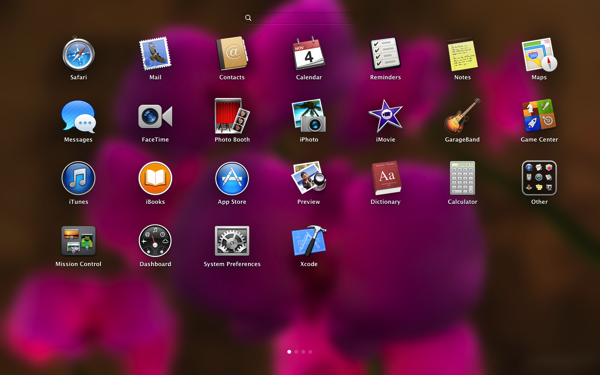
Per fare un reset di Launchpad è sufficiente cancellare il database SQLite che contiene le descrizioni di tutte le applicazioni (niente paura: il database viene rigenerato ogni volta che si riapre Launchpad):
rm ~/Library/Application\ Support/Dock/*.db
killall Dock
Ora riaprite Launchpad e le applicazioni verranno disposte secondo il default.

Leave a Reply